


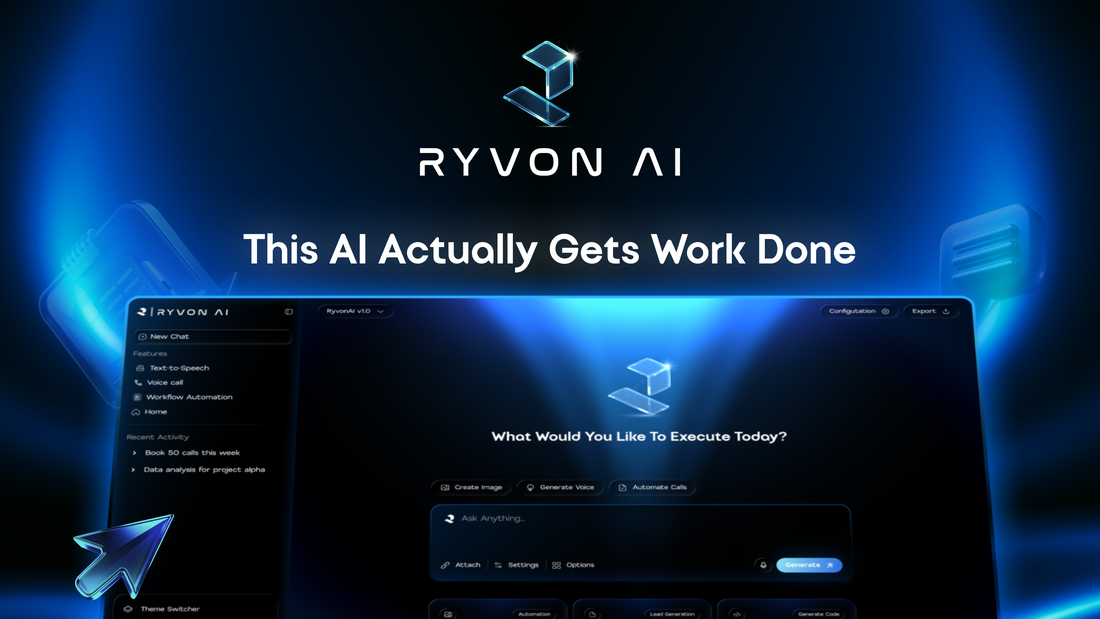
AI workflow automation uses artificial intelligence to interpret information and coordinate tasks across a business process. It can help a team understand an incoming email, prepare a response, create a task, and update a connected system. A useful workflow also defines permissions, approval steps, and how the outcome will be checked.
Consider a customer asking to reschedule a meeting.
The request arrives in an inbox. Someone checks the calendar, looks up the customer record, contacts the account owner, prepares a reply, and updates the CRM. Each step may be simple, but the complete task still depends on a person carrying information between applications.
This is the problem behind Ryvon: helping teams move from a request to completed work across the tools they already use.
In this guide, we explain how AI workflow automation works, where it can help, and what to look for before introducing it into your business.
Why work still gets stuck between tools
A team can have capable software for every department and still spend much of its day coordinating between systems.
An email contains a request. The CRM contains the customer history. A conversation in team chat contains a decision. The calendar contains the next available meeting slot.
To complete the work, someone has to bring those pieces together.
The difficulty grows when information arrives in different forms. One customer writes a detailed request; another sends a short reply that makes sense only in the context of an earlier conversation. A fixed rule may handle the first step, but someone still needs to interpret what the person means.
AI can help with that interpretation. Connected workflows can then move the work forward according to the rules your team has set.
How does AI workflow automation work?
A practical AI workflow brings together six elements:
ElementPurposeExampleTriggerStarts the workflowA new demo request reaches an approved inboxContextSupplies relevant informationThe conversation and matching CRM recordInterpretationExtracts meaning from the inputIdentify the requested topic and missing detailsRules and approvalDetermine what may happen nextRoute a proposed response to the account ownerActionCarries out an authorized stepCreate a task or send an approved messageVerificationChecks what actually happenedConfirm the task exists and record the result
The AI component does not need to make every decision.
A team can use AI to interpret an informal email while retaining fixed rules for ownership, access, required fields, and external communication. This combination gives the workflow flexibility where language varies and predictability where the business needs it.
A simple example: from customer email to next action
Imagine an inbound prospect writes:
We would like to understand whether this could help our operations team manage follow-ups. Could you arrange a demonstration next week?
A proposed workflow could:
Recognize the message as a demo request.
Find the matching contact and account owner.
Extract the prospect’s stated interest in operations follow-ups.
Prepare a relevant reply and flag any information needed for scheduling.
Present the draft and proposed CRM changes for approval.
Execute the approved actions and record their outcomes.
If the contact cannot be matched, the workflow should ask for review. If the calendar is unavailable, it should avoid inventing a meeting time.
This is an illustrative design. The exact actions depend on the chosen platform, connected applications, and configured permissions.
How is this different from traditional automation?
Traditional automation follows predefined conditions and actions. For example, a form submission can create a contact and assign it to a regional sales queue.
AI adds capabilities such as interpreting a message, summarizing a conversation, extracting information from notes, or preparing a response from supplied context.
An AI agent can introduce another level of flexibility by selecting intermediate steps and tools within its boundaries. Anthropic distinguishes predefined workflows from agents that dynamically direct their process, and recommends starting with the simplest approach that meets the need. Read Anthropic’s explanation of workflows and agents.
These approaches can coexist in the same product. The useful question is which approach your process requires.
If a form already contains every necessary field, fixed rules may be enough. If the task depends on interpreting several messages, an AI step may add value.
What should you automate first?
Start with a recurring process that has accessible inputs, a clear owner, and an outcome someone can verify.
Here are five practical candidates.
1. Inbox triage
Identify the purpose of incoming messages and prepare the next action. A shared inbox might contain sales inquiries, existing-customer questions, and internal requests.
A useful workflow preserves the original message, proposes a category, and routes uncertain cases to a person.
Measure: Time to assignment and the number of requests routed incorrectly.
2. Sales follow-ups
Use the latest conversation to prepare a relevant reply, identify the next step, and propose a CRM update.
Before sending, the workflow should check whether the prospect has already replied or booked a meeting.
Measure: Overdue follow-ups, draft corrections, and duplicate messages.
3. Meeting and call actions
Turn approved notes into a summary, proposed tasks, and questions that still need an owner.
The workflow should distinguish an explicit commitment from a suggestion. “We could discuss this next month” does not establish a deadline.
Measure: Correctly captured actions and tasks accepted by their owners.
4. Daily team briefings
Combine updates from selected systems into a short list of changes, blockers, and decisions.
Each item should identify the relevant owner and link back to its source. If a source cannot be checked, the briefing should show the gap.
Measure: Preparation time and significant items missed during review.
5. Customer handoffs
Prepare the context that another team needs to continue a customer conversation: the request, previous work, outstanding questions, and next responsible person.
Measure: Handoffs returned for missing information and time to the next meaningful action.
These are starting patterns. Choose the one that matches a real task your team already repeats.
What makes an AI workflow dependable?
A convincing demonstration is a starting point. Everyday use also needs a way to handle incomplete information and failures.
Clear access boundaries
The workflow should use the accounts, records, and permissions needed for its task. Establish which systems it may read and which actions it may perform.
Review before consequential actions
Define when a person must approve a message, a record change, or a commitment. The reviewer should see the proposed action and the information supporting it.
Explicit handling of missing information
An unknown owner, conflicting customer record, or unclear date should lead to a defined review path.
Visibility into completion
A generated draft, a sent email, and an updated CRM record are different outcomes. Check each action independently.
Recovery without duplicate work
If an email sends but the CRM update fails, the workflow should repair the record without automatically sending the email again.
These controls must exist in the configured process. Asking for them in a prompt does not, by itself, establish that they are enforced.
How to choose your first workflow
Write a short brief before evaluating tools:
Task: Prepare a response to an inbound demo request.
Trigger: A message receives the approved request label.
Sources: The email thread and matching customer record.
Output: A draft reply, an assigned task, and proposed CRM changes.
Owner: The person responsible for the sales queue.
Approval: Review before any external message is sent.
Exceptions: Missing identity, conflicting ownership, or unavailable systems.
Completion: The approved actions are confirmed and recorded.
Bring that brief into a product demonstration. Ask to see the ordinary case and one case with missing information.
Check the specific actions you need. An integration logo alone does not tell you whether a connector supports the right fields, permissions, or approval behavior.
How should you measure the result?
Establish a manual baseline before introducing the workflow. Record how often the task occurs, how long it takes, and which errors matter.
A useful starting calculation is:
Net time saved = previous manual handling time − remaining review, correction, and maintenance time.
Also track quality. A faster process that creates incorrect records or unnecessary messages may simply move work elsewhere.
For follow-ups, look at missed commitments and factual corrections. For handoffs, look at missing context. For reports, check whether the numbers and explanations can be traced to their sources.
Choose the measurement that tells you whether the actual business process improved.
Why we are building Ryvon
At Ryvon, our focus is the coordination involved in getting everyday business work completed.
Teams already have tools for email, customer records, calendars, and communication. Our approach is to connect that working context and help people initiate workflows in plain language.
Ryvon is built around work such as inbox tasks, follow-ups, CRM activity, and call-related actions across connected tools. You can explore that approach on our product page and read about permissions and approval controls on our security page.
A useful starting conversation is specific: which task repeats, where the information lives, and what completion should look like.
Bring your first workflow to Ryvon.
Frequently asked questions
What is AI workflow automation in simple terms?
It is the use of AI within a business process to interpret information and help carry out connected tasks. Examples include understanding an email, preparing a reply, and creating the next task under defined rules.
Do I need coding skills to use it?
Some platforms offer visual or natural-language setup. Whether coding is needed depends on the systems involved and the complexity of the workflow. Someone still needs to define the process and evaluate its behavior.
Does AI workflow automation replace existing business software?
It can work alongside existing applications. For example, a CRM can remain the customer record while a connected workflow coordinates actions across email, calendars, and team communication.
Does every workflow need an AI agent?
No. Some tasks are best handled by fixed rules. Others benefit from an AI interpretation step. The required flexibility should determine the design.
Where should a small team begin?
Choose one recurring task with a clear owner and a reviewable output. An internal briefing or a follow-up draft can help the team evaluate quality before enabling broader actions.


